
Blog / 2026-09-21
I Built a Voice-to-Markdown Workflow with ChatGPT, GitHub, and Next.js
A lightweight workflow using ChatGPT voice conversations, GitHub markdown files, Next.js, and AWS Amplify to turn spoken ideas into organized, editable notes.
A few days ago, I was driving and had a couple ideas pop into my head that I really wanted to remember. I've been working with Davis Defense (Click here to see the video) on content about Minnesota's hands-free driving law, so I've gotten careful about not picking up my phone. But I also knew there was a good chance those ideas would be gone by the time I got where I was going. So, I started talking.
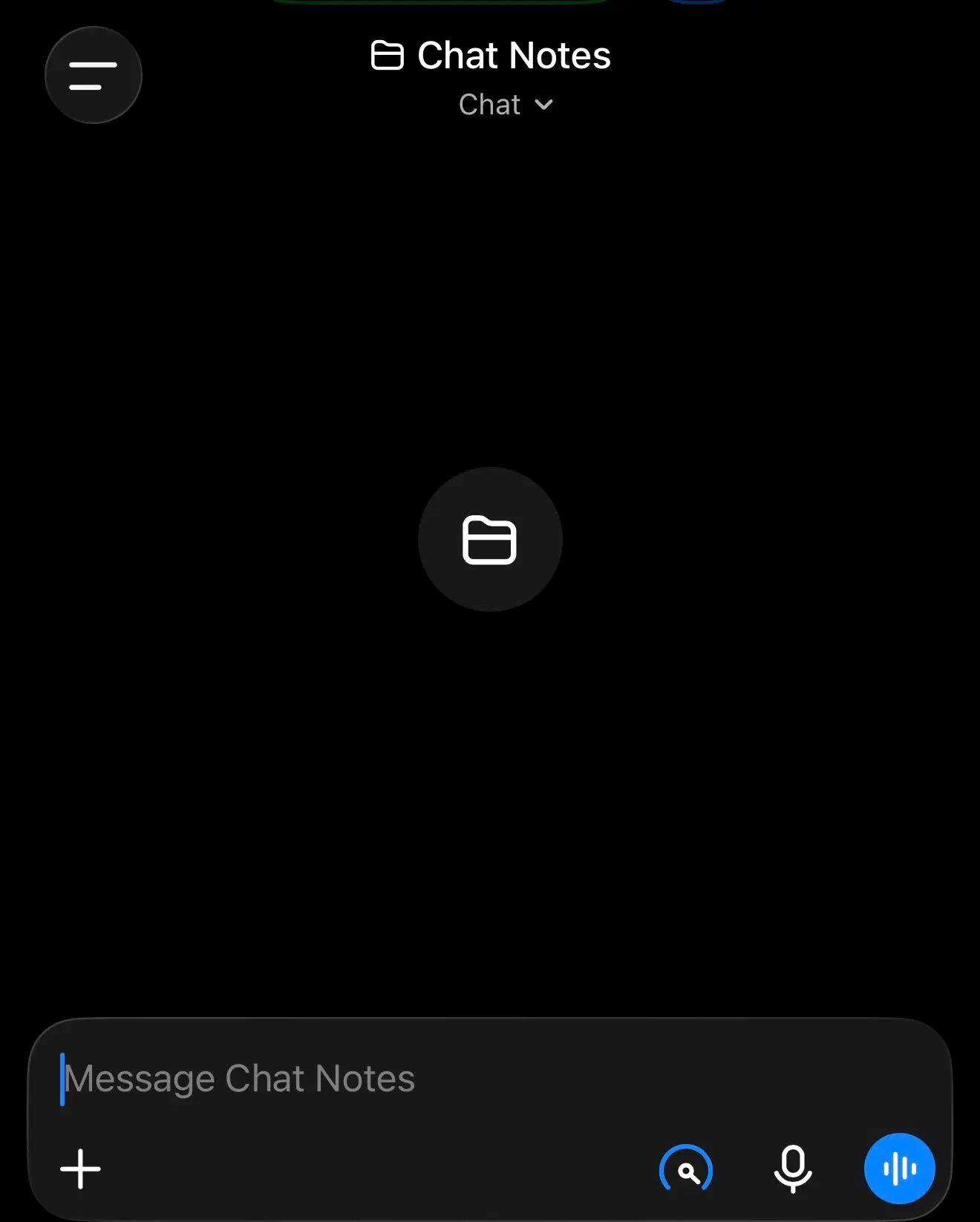
I opened ChatGPT and worked through the ideas out loud using the talk function. That part was easy. What I started thinking about afterward was where those conversations go. I didn't want another chat buried in a list somewhere. I wanted actual notes I could find, scan, edit, and keep.
That became a small project I'm calling Chat Notes. The concept is pretty straightforward. I talk through an idea in ChatGPT, save the useful parts as a markdown file in a GitHub repository, and view those files in a simple interface I built, so everything's visible at a glance.
GitHub was a natural fit because I was already using it and already had it connected to chatGPT. Markdown keeps it simple. Just text that's easy to edit. GitHub renders it automatically, and the app converts it for the web.
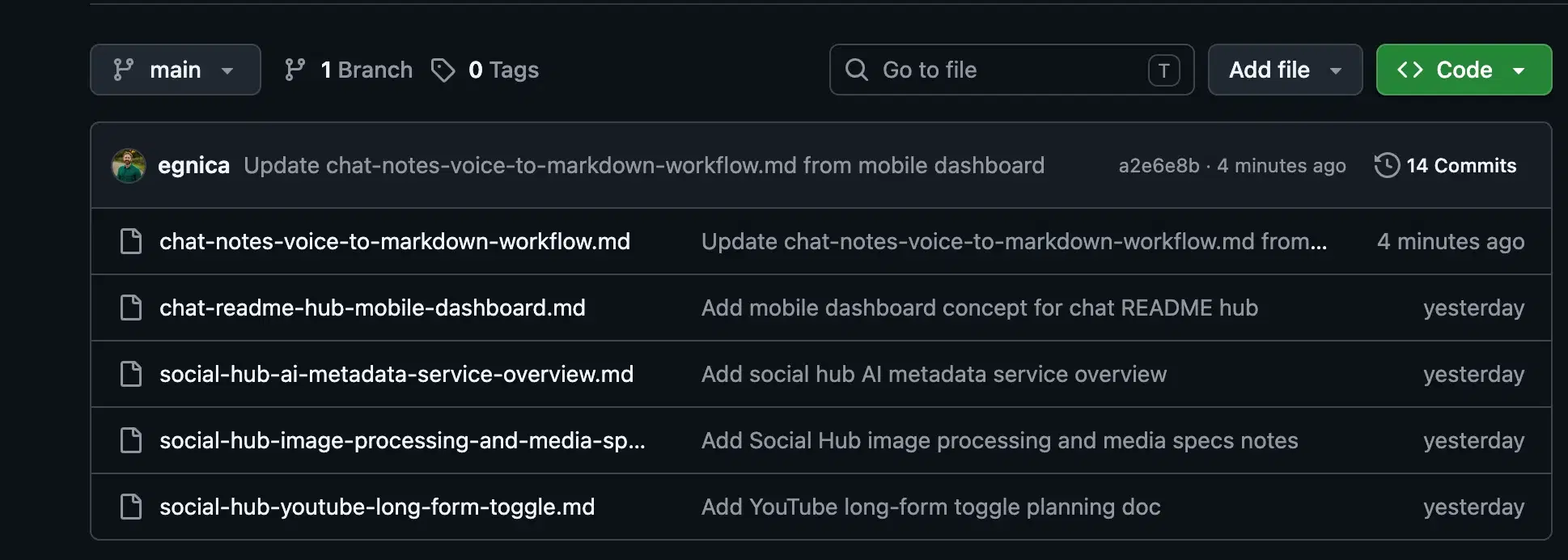
The technical setup is minimal: a Next.js app on AWS Amplify, a GitHub repo where each note is a markdown file, and this ChatGPT project with instructions for turning conversations into structured notes.
There are two connections in play. First, I created a GitHub repository to hold the Markdown files and connected the dashboard to it through the GitHub Contents API with read and write access. Second, I added a button that links straight to the Chat Notes project in ChatGPT. There’s no custom ChatGPT API involved there, it’s just a direct project link.
The part I had to figure out was how to make a normal Next.js app treat a GitHub repository almost like a tiny content management system. The app uses GitHub’s Contents API to request the files inside my chat-readme-hub repository, filters that response down to .md files, and turns them into the list of notes I see in the dashboard. When I open one, Next.js makes another request for that specific file, decodes the Markdown GitHub returns, and renders it as a normal web page.
Once I added editing, the connection started working in both directions. I stored a GitHub access token securely in AWS Amplify, so when I hit Save, the Next.js server sends the updated Markdown back through the GitHub API and commits the change to the repository. GitHub is essentially acting as the database for the whole thing.
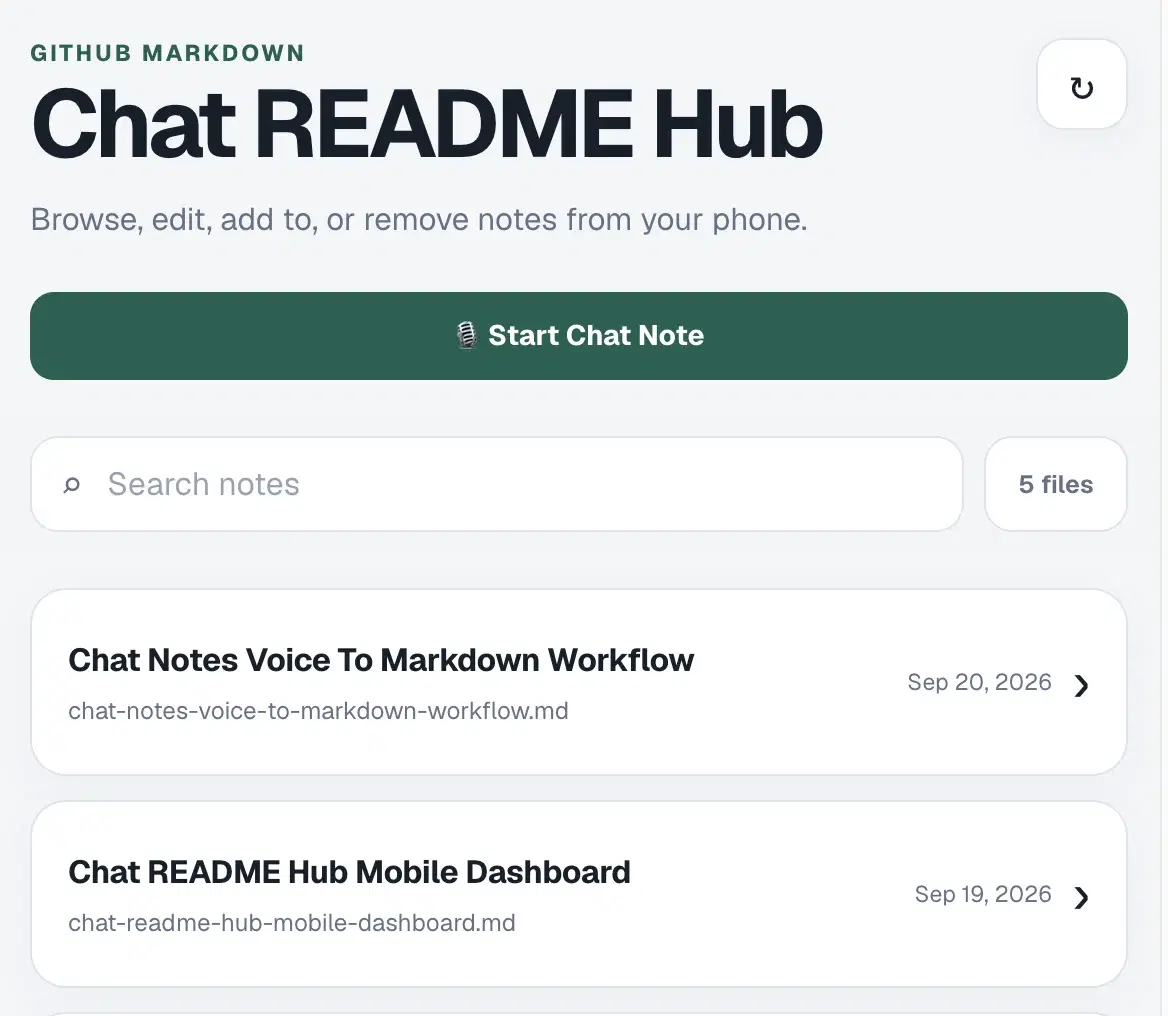
And that's how this post got written. I talked it through, saved the useful parts, and cleaned it up inside that same workflow. I also added a copy function so I can quickly export the contents of any note. That becomes especially useful later when I want to combine ideas, pull pieces from different notes into a larger project, or move the content into another workflow without opening GitHub and copying the raw Markdown manually.
It's the same kind of practical, lightweight tooling I build for clients. If you're curious about simple automations or custom workflows, feel free to reach out. Click Here